
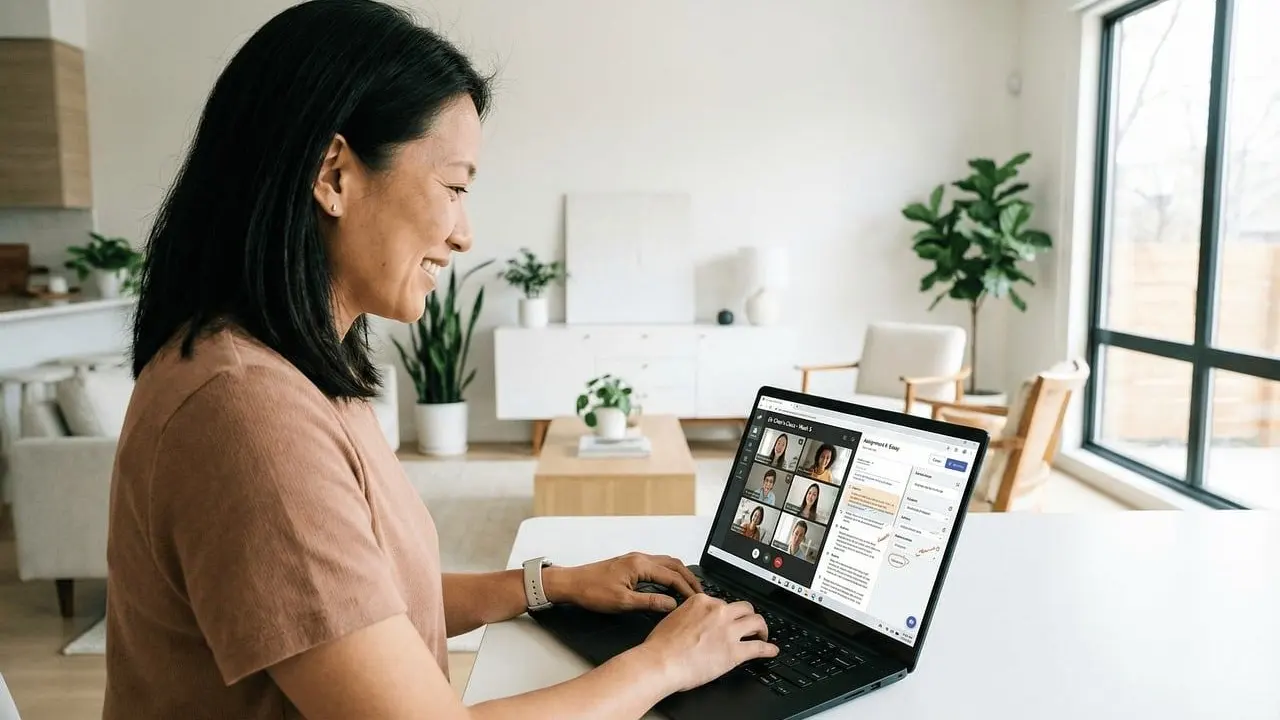
Running an online class can feel harder than managing a room you can see. Good virtual classroom management comes down to clear ground rules, steady routines and a few platform tools that you set up before the first session.
This guide is part of the series on online teaching basics.
| Item | Value |
|---|---|
| Suggested lesson length for K-3 before off-screen work | 20-30 minutes |
| Suggested maximum length of a teaching video | Less than 15 minutes |
| Example reply window to tell students | 24-48 hours |
| Zoom participant screen sharing | Off by default as of 3/27/20 |
These figures come from Drexel University’s School of Education and Portland Community College. They can change, so check the source before you rely on them.
What virtual classroom management actually involves
Drexel’s School of Education describes the shift plainly: instead of monitoring students face-to-face, online teachers scan their screens and chat windows to check that students are engaged and grasping the concepts. The job is less about watching and more about designing an environment in which things run smoothly. The details are in the Drexel teacher resources page.
A text from CUNY defines virtual online classroom management as the strategies and techniques instructors use to create and maintain an effective learning environment in synchronous and asynchronous online settings. It names five key components, listed below, in its Manifold chapter.
- Establishing clear expectations for behavior, communication and participation.
- Fostering engagement through discussion, group projects and breakout rooms.
- Maintaining organization of content and instructions.
- Addressing disruptions such as inappropriate behavior, technical difficulties or lack of participation.
- Building community through icebreakers, group activities and regular communication.
This is not a niche concern. An Edutopia article from September 27, 2017 cited the National Center for Education Statistics: 53 percent of the nation’s public school districts had high school students enrolled in distance education courses, as the Edutopia piece reports.
Set ground rules and routines before the first session
Drexel advises that each class should have its own virtual classroom ground rules that establish a respectful and engaging learning environment. Examples include how students let you know they want to speak and which words and phrases are acceptable.
You do not have to write the rules alone. Drexel suggests asking the whole class for feedback, or putting students into breakout rooms to draft their own list of how they would best learn in the class.
Students also need to know what you expect from them and what they can expect from you. Drexel says to be clear about the following:
- When assignments are due.
- How much participation is expected.
- How grading and exams will work.
- Conduct and class rules that should be followed.
Next, set a contact window. Drexel suggests a scheduled time each day or week when students can reach you, which saves you from answering emails throughout the day and evening. Portland Community College (PCC) says to tell students how long you are likely to take to reply, with 24-48 hours or office hours only given as examples in its tips for faculty.
Singapore Management University’s Centre for Teaching Excellence adds two practical habits. Tell students your preferred mode of communication, and work with your Teaching Assistant on a back-up channel, such as a WhatsApp or Telegram group, in case of technical issues, as set out in its ground rules and routines guide.
Routines stick when they are written into your plans. Building them into an online lesson plan template keeps every session opening, discussion and close consistent.
Use platform tools to keep discussion orderly
CUNY’s text says clear instructions on how to use platform features should reach students before the semester starts and be reinforced in the first class session. Its Zoom examples show how small features keep a live class orderly.
- Raised hand: students use it rather than unmuting to share their thoughts.
- Chat: it should only be used for course-related communication, because side conversations become distractions.
- Thumbs-up emoji: a quick way to gauge the room and increase engagement between you and students.
No platform feature? Edutopia’s author, a middle school teacher, asks students to hold up one index finger to respond to what is being discussed and two fingers to bring up something new. It is a low-tech way to avoid interruptions.
PCC also reminds hosts that, as the instructor, you can mute all participants if needed. That helps when a speaker creates a feedback sound or a noisy background spills into the session.

Build community so there is less to manage
Edutopia puts it bluntly: students won’t treat each other well if they don’t know each other. It calls community-building proactive classroom management, because the effort at the start saves you from problems later. Its advice is in the Extending Classroom Management Online article.
Group work is where online frustration often shows up. Two sources suggest ways to reduce it:
- Edutopia recommends having small groups create contracts about how to work together.
- Edutopia also says not to group randomly, and to use criteria to group participants.
- SMU’s guide suggests letting groups establish their own roles and expectations for each member, to reduce the frustration that leads to missed deadlines.
Edutopia also suggests a “parking lot” area for questions that fellow participants can answer, which you check regularly. The guide on how to engage students online goes further into activities that build participation.
How do you handle disruptions and technical problems?
Start with a private conversation. PCC says that if expectations are not being met, you can consider requesting a private meeting with the student. Edutopia adds that you should stay on top of issues as they arise, immediately, and use a behind-the-scenes email or call sparingly so it keeps its impact.
Removing someone from a live session is a bigger step. According to PCC, if you kick someone off a Zoom class meeting, that is equivalent to asking them to leave for a class period, and it needs follow-up communication with the student before the next class period or engagement.
For uninvited disruption, PCC notes that Zoom had disabled sharing by participants by default as of 3/27/20, so instructors needed to give sharing access to participants. Settings change, so check your own platform before each term.
Technical trouble is the other common disruption, and the back-up channel from earlier is your safety net. PCC also suggests that students consider having video off when there are background distractions such as children, roommates, animals or phones.
Keep sessions short, tested and engaging
Drexel says to test the technology before class, including breakout rooms and chat functions, and to think about how you appear on screen, for example whether the lighting is good. Then plan for attention: it recommends short lessons followed by hands-on activities, such as group projects, problem-solving and breakout discussions.
For young learners, Drexel suggests lessons of 20-30 minutes at the K-3 level, followed by assignments students can do off screen. It also says that if you use videos, they should be less than 15 minutes. Both figures appear on its online teaching tips page.
Finish with a close. Drexel recommends closing activities that summarize what was learned that day, which gives students a predictable end to every session.
Frequently asked questions
How quickly should I reply to student messages?
Show answer
Decide on a window and tell students. PCC gives 24-48 hours or only during office hours as examples, and Drexel suggests a scheduled contact time each day or week. See the PCC tips for the wording.
Do the same rules apply to asynchronous courses?
Show answer
Yes, the principle is the same. CUNY’s text says netiquette policies should reach students before the semester starts and be reinforced during the first class session or asynchronous learning module, as described in its online classroom management chapter.
What if a student keeps breaking the class rules?
Show answer
Address it early and privately. PCC suggests requesting a private meeting, and Edutopia advises staying on top of issues as they arise rather than letting them build.
Should students keep their cameras on?
Show answer
The sources reviewed here do not set a universal rule. PCC suggests that students consider having video off if background distractions such as children, roommates or pets could disrupt the session, so state your own expectation in your ground rules.